
Business
Top Online Cartoon Video Maker Platforms for Beginners

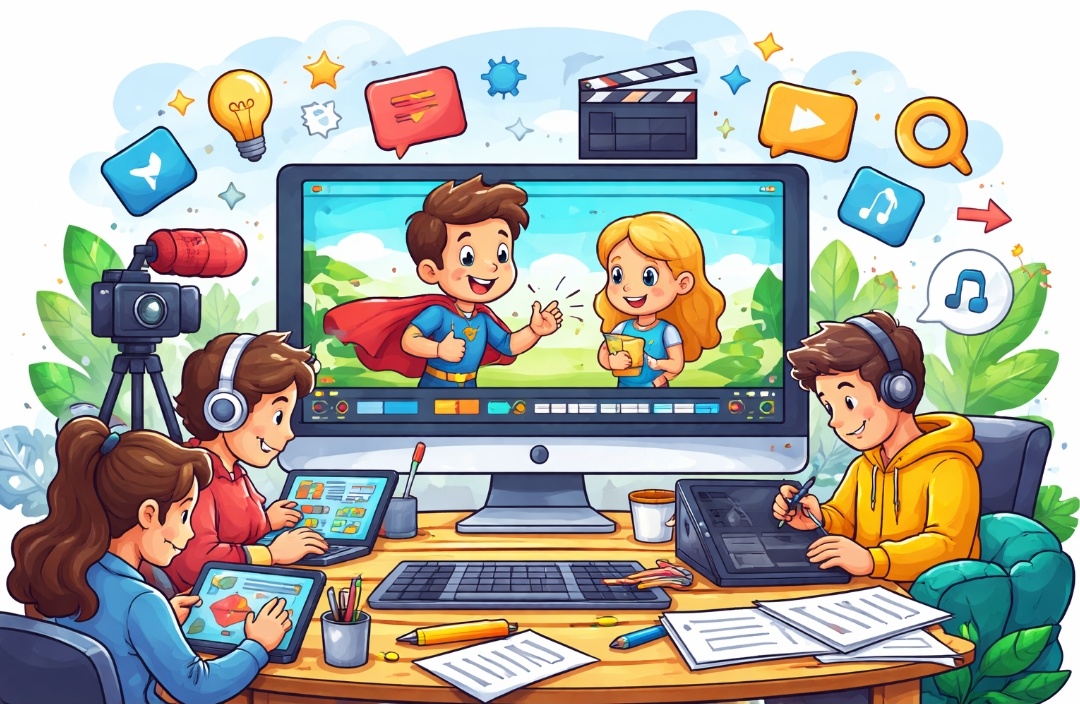
Creating cartoon videos has become easier than ever, especially for beginners who want to bring creative ideas to life without advanced technical skills. With the rise of online cartoon video maker platforms, anyone can design engaging animated videos for marketing, education, social media, or storytelling. These tools offer customizable characters, and simple editing features that reduce the learning curve while maintaining professional-quality output.
For beginners, choosing the right cartoon video maker is essential to saving time and achieving better results. The best platforms focus on user-friendly interfaces and flexible export options. Whether you are a content creator, small business owner, or educator, using the right tool can help you create eye-catching cartoon videos that connect with your audience and enhance your digital presence.
Invideo – Powerful Online Cartoon Video Maker for Beginners
Invideo is a versatile online cartoon video maker designed for beginners and content creators looking to produce professional-quality animated videos with ease. The platform simplifies the video creation process by using AI to generate scripts, visuals, voiceovers, subtitles, and music, all from a simple text prompt. Users can enter their cartoon idea, specify details such as length, platform, and voiceover accent, and receive a fully produced cartoon video ready for publishing. This approach eliminates the learning curve, allowing anyone to create engaging animations quickly.
Key Features of invideo:
- AI-Powered Video Generation: Converts your ideas into fully animated cartoon videos with visuals, voiceovers, and music.
- Magic Box Editing: Edit videos using simple text prompts, such as deleting scenes, changing accents, or adding intros.
- Realistic AI Voices: Supports over 50 languages, delivering voiceovers with accurate emotion and tone.
- Time-Saving Scripts: Automatically creates tailored scripts for any topic, streamlining video production.
- Content Strategy Support: Helps develop and implement a consistent cartoon video publishing strategy to boost audience engagement.
ToonyTool – Beginner-Friendly Online Cartoon Video Maker
ToonyTool is an intuitive online cartoon video maker that empowers beginners to create animated content with minimal effort. Designed for simplicity, the platform allows users to build cartoon videos by selecting characters, backgrounds, and scenes, then customizing actions and dialogues. With its approachable interface, even those new to animation can quickly bring ideas to life without technical skills. ToonyTool’s focus on ease of use makes it ideal for educators, social media creators, and small business owners who want engaging cartoons for storytelling, promotional content, or educational explanations.
Key Features of ToonyTool:
- Drag-and-Drop Animation: Easily add and arrange characters, props, and backgrounds.
- Pre-Designed Characters: Access a library of customizable character assets for quick setups.
- Scene Customization: Edit actions, expressions, and dialogue for personalized storytelling.
- Simple Export Options: Download or share completed videos in standard formats.
- Beginner-Focused UI: A straightforward design with minimal learning curve, perfect for first-time users.
Reallusion – Advanced Yet Beginner-Friendly Cartoon Video Maker
Reallusion’s Cartoon Animator is a versatile online cartoon video maker that combines beginner-friendly tools with professional animation features. It allows users to turn static images into animated characters, add facial expressions, and synchronize lip movements with audio, making storytelling more engaging. The platform is suitable for educators, content creators, and small businesses aiming to produce polished 2D animated videos. With an intuitive interface and extensive customization options, beginners can create high-quality cartoon videos without needing advanced animation skills, while also having room to explore more advanced techniques as their experience grows.
Key Features of Reallusion Cartoon Animator:
- Character Rigging & Animation: Easily import images, rig them, and animate characters.
- Facial Animation & Lip Sync: Automatically sync mouth movements with audio for realistic dialogue.
- Scene & Camera Tools: Arrange props, control camera angles, and create depth.
- Motion Path & Puppet Tools: Design smooth, lifelike character movements.
- Export Options: Save videos in various formats for social media or presentations.
Viddyoze – Dynamic Online Cartoon Video Maker for Beginners
Viddyoze is a user‑friendly online cartoon video maker known for its dynamic animation capabilities and ease of use. Designed to help beginners create professional animated videos quickly, Viddyoze simplifies the process of generating cartoon intros, logo animations, and short animated clips. With a focus on automated features and ready‑to‑use elements, users can produce engaging cartoon content without prior animation experience. Whether you’re a small business owner, social media creator, or educator, Viddyoze offers tools that make it easy to add polished animated visuals to your projects and keep your audience captivated.
Key Features of Viddyoze:
- Automated Animation Creation: Generate animated content with minimal manual input.
- Cartoon Motion Effects: Add lively movement to characters and graphics.
- Customizable Elements: Adjust colors, motion styles, and timing to suit your needs.
- High‑Quality Export: Produce videos in formats suitable for social media and websites.
- Beginner‑Focused Interface: Simple, intuitive controls designed for users new to animation.
Clipfly – Simple and Effective Online Cartoon Video Maker
Clipfly is an intuitive online cartoon video maker built to help beginners create animated videos without a steep learning curve. With its easy‑to‑navigate interface and straightforward editing tools, users can quickly bring cartoon ideas to life. Clipfly offers a range of animation elements and effects that enable creators to design engaging content for social media, presentations, or personal projects. Whether you’re new to animation or looking for a hassle‑free tool, Clipfly provides the essential features needed to produce fun and creative cartoon videos without complex workflows.
Key Features of Clipfly:
- User‑Friendly Dashboard: Easy navigation and simple controls for beginners.
- Animation Elements Library: Access animated characters, props, and backgrounds.
- Drag‑and‑Drop Editing: Quickly arrange and customize scenes.
- Flexible Export Options: Save videos in multiple formats for sharing.
- Basic Cartoon Effects: Add movement and visual flair to your content.
Fotor – Versatile Online Cartoon Video Maker for Beginners
Fotor is a flexible online cartoon video maker that combines simple animation tools with powerful editing features, making it ideal for beginners who want creative control without complexity. While known for photo editing, Fotor also supports animated video creation with cartoon‑style effects and dynamic transitions. Its intuitive interface allows users to add animated elements, adjust motion effects, and enhance visuals with text and graphics. Whether you’re producing educational clips, social media videos, or fun animations, Fotor provides an approachable platform for turning your ideas into engaging cartoon videos.
Key Features of Fotor:
- Animation Effects: Apply cartoon‑style motion and transitions to visuals.
- Easy Editing Tools: Edit videos with simple drag‑and‑drop controls.
- Customizable Elements: Add text, stickers, and graphics to enhance storytelling.
- Export Flexibility: Save and share videos in multiple formats and resolutions.
- Beginner‑Ready Interface: Designed for users with little to no animation experience.
Conclusion
Choosing the right online cartoon video maker can make a significant difference for beginners looking to create engaging animated content. Platforms like invideo, ToonyTool, Reallusion, Viddyoze, Clipfly, and Fotor offer a variety of features, from AI-powered automation to intuitive drag-and-drop editing, catering to different needs and skill levels. By exploring these tools, beginners can produce professional-looking cartoon videos quickly, enhance their storytelling, and captivate their audience. Start experimenting with these platforms today, and discover how simple it can be to turn your creative ideas into visually appealing animated videos.